
Run audits from inside WordPress
Free, with an account 5 minute read
Who it is for: Anyone running WordPress, and agencies managing client sites.
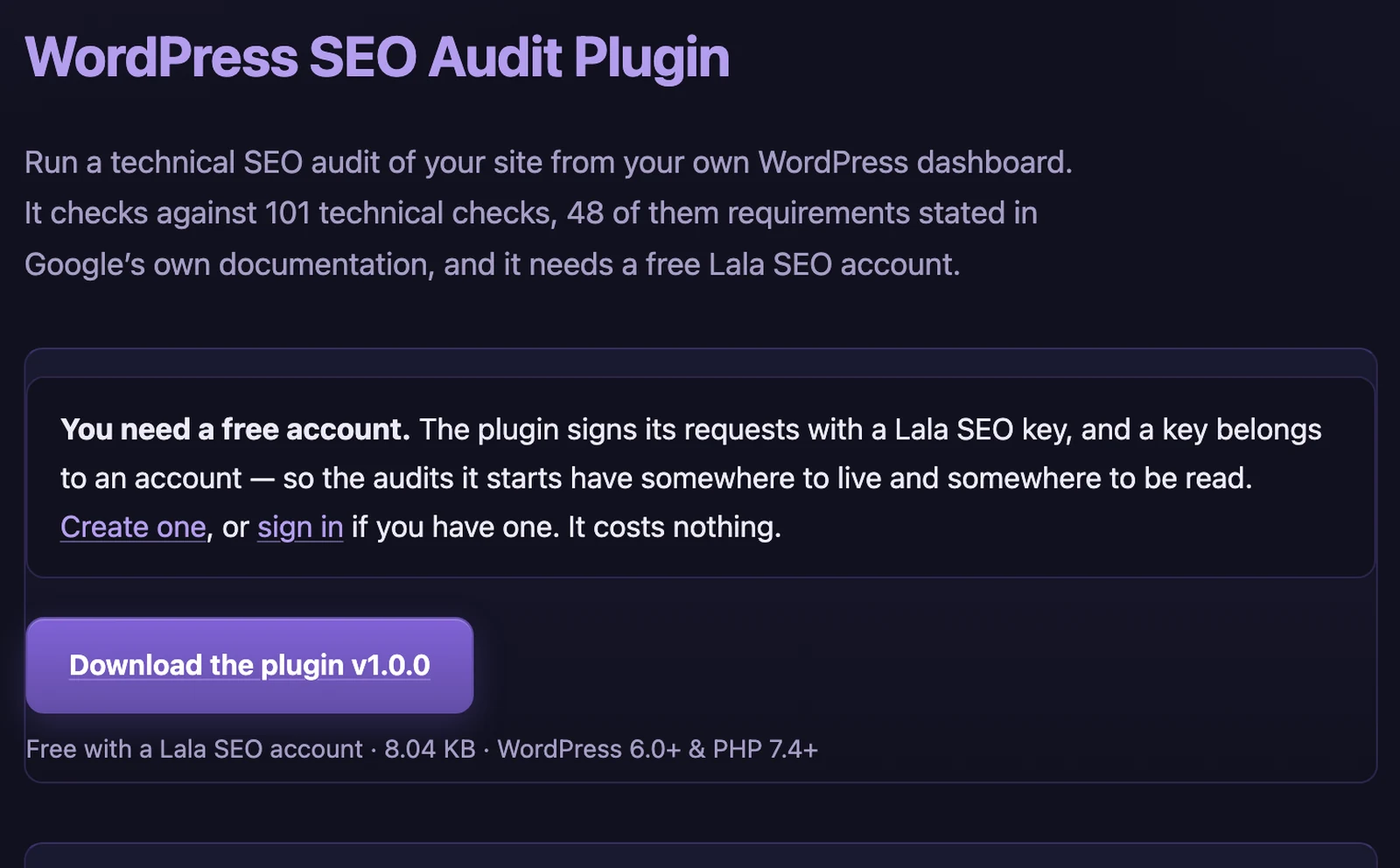
Yes. Install the free Lala SEO plugin, paste a key from your account into Tools and Lala SEO, then press Run audit. The crawl and the analysis both run on our servers, and the report lands in your Lala SEO account.
Why it matters
Logging in somewhere else to check a site you are already looking at. Worse, a client who never sees you working.
What to do
- Download the plugin from the Plug-ins page. A .zip file. Do not unpack it — WordPress wants the zip as it is.
- In WordPress, go to Plugins → Add New → Upload Plugin, then Install Now and Activate. Lala SEO appears under Tools.
- Create a key in your Lala SEO account, under Site plugin. The key is shown once. Copy it straight away.
- Paste the key into Tools → Lala SEO and save. The plugin confirms it is connected.
- Press Run audit. A real crawl starts on our servers, not on your host, and the report lands in your Lala SEO account.
Where the crawl runs, and why it matters
WordPress audit plugins split into two kinds, and the difference is the one thing worth checking before you install any of them. Some run the crawl on your own server, inside PHP, which means a big site is competing for resources with the visitors you are trying to serve. Others hand the work to an outside service, and then usually cap what you get — 25 pages is a common free limit. Ours is the second kind without the cap: the crawl and the analysis both run on our machines, and the free allowance is the same 300 pages you get anywhere else on the free plan.
What it does not do
It does not make your site faster, and we will not pretend the crawl is free of charge to your server: we still have to request every page we read, from your host, like any other crawler. What we do instead is pace it, obey robots.txt, and identify ourselves honestly so you can see us in your logs. It also does not watch anything. There is no monitoring, no background job and no daily ping — an audit starts when somebody presses the button, and that is the whole of it.
What the plugin sends
Two things: the site’s home address, and the key you pasted in. Nothing else leaves WordPress — not your content, not your users, not your posts, not your settings and not your database. Uninstalling the plugin deletes both. The key is what identifies which Lala SEO account the report should land in, which is also what decides whose allowance the audit counts against. We show it once, when you create it, and not again — not because we cannot retrieve it, but because a credential printed on every page view is one that ends up in a screenshot or a screen share. Copy it when it appears. If it goes somewhere it should not have, replacing it is the way to revoke it, and the old key stops working the moment you do.
For agencies
Install it on every client site you manage. It costs nothing, it puts your work where the client already logs in, and it lets them run a check themselves instead of emailing to ask whether anything is wrong. One thing to plan for: the audit belongs to whoever owns the key, so every client site you connect draws on your allowance rather than theirs. At 300 pages that is comfortable for a brochure site and will not stretch to a shop — the larger plans go to 5000 pages an audit.
What you get back
The same report, started from the client's own dashboard. The plugin sends two things — the site's home address and your key — and deletes both when uninstalled.
How to make money from it
Put it on every client site you manage. It is a small, permanent reminder that somebody is watching their site, in the place they already log into. It also lets a client run a check themselves rather than emailing to ask whether anything is wrong.
Worth knowing. The audit belongs to whoever owns the key, so it counts against your allowance rather than theirs. On 300 free pages that is fine for a brochure site and not for a shop.